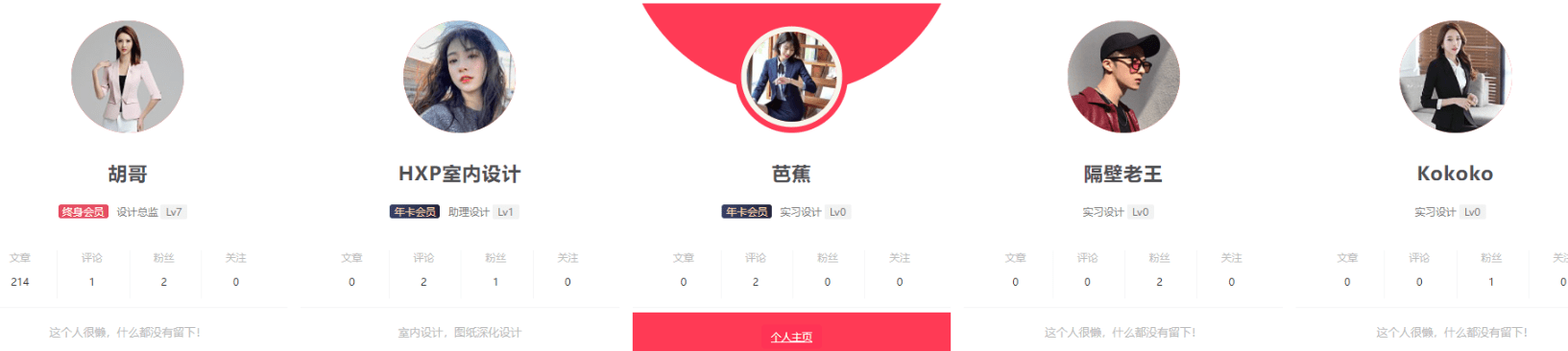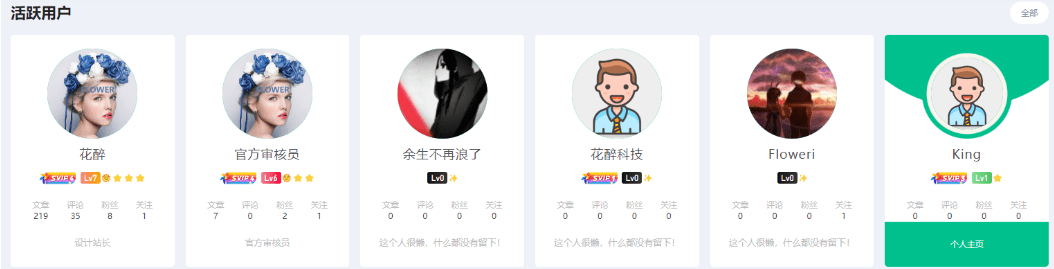



以下代码放到你的菜单
<span class="meihua">你的菜单名称</span>以下代码放入css样式
CSS样式添加至主题根目录的style.css或外观-自定义-额外CSS
.meihua {
background: linear-gradient(90deg, rgba(131, 58, 180, 1) 0%, rgba(253, 29, 29, 1) 33.3%, rgba(252, 176, 69, 1) 66.6%, rgba(131, 58, 180, 1) 100%);
-webkit-background-clip: text;
color: transparent !important;
background-size: 300% 100%;
animation: text 4s infinite linear
}
@media (max-width:768px) {
span.ua-info {
display: none
}
.comment-author .user-title {
width: 40% !important
}
}
.comment-author .user-title {
font-size: 13px;
background: linear-gradient(90deg, rgba(131, 58, 180, 1) 0%, rgba(253, 29, 29, 1) 33.3%, rgba(252, 176, 69, 1) 66.6%, rgba(131, 58, 180, 1) 100%);
-webkit-background-clip: text;
color: transparent !important;
background-size: 300% 100%;
animation: text 4s infinite linear
}
@keyframes text {
0% {
background-position: 0 0
}
100% {
background-position: -150% 0
}
}
.b2-qr-code-fill {
background: linear-gradient(90deg, rgba(131, 58, 180, 1) 0%, rgba(253, 29, 29, 1) 33.3%, rgba(252, 176, 69, 1) 66.6%, rgba(131, 58, 180, 1) 100%);
-webkit-background-clip: text;
color: transparent !important;
background-size: 300% 100%;
animation: text 4s infinite linear
}感谢您的来访,获取更多精彩文章请收藏本站。
© 版权声明
1、本内容转载于网络,版权归原作者所有!
2、本站仅提供信息存储空间服务,不拥有所有权,不承担相关法律责任。
3、本内容若侵犯到你的版权利益,请联系我们,会尽快给予删除处理!
4、本站全资源仅供测试和学习,请勿用于非法操作,一切后果与本站无关。
5、如遇到充值付费环节课程或软件 请马上删除退出 涉及自身权益/利益 需要投资的一律不要相信,访客发现请向客服举报。
6、本教程仅供揭秘 请勿用于非法违规操作 否则和作者 官网 无关
THE END